
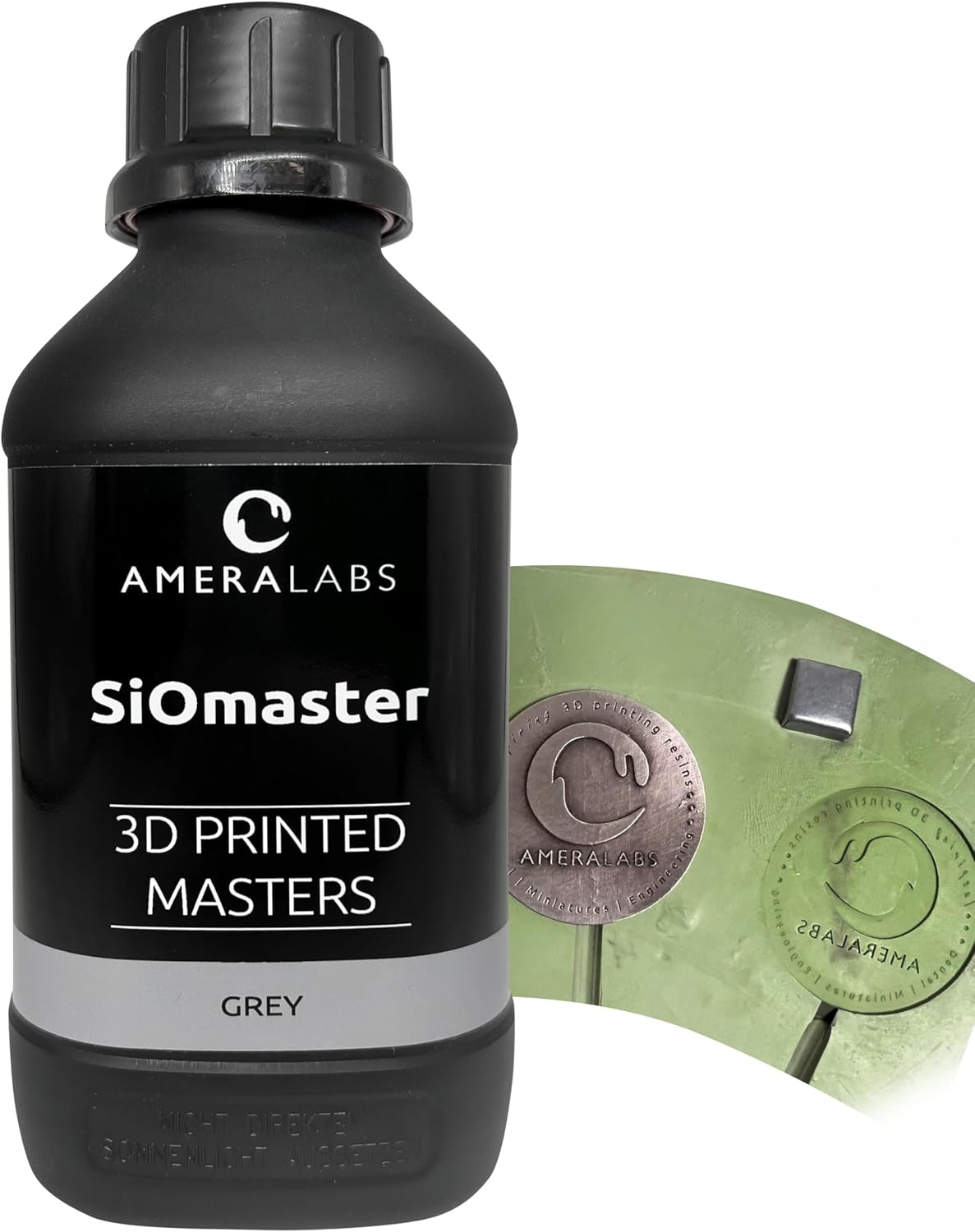
Ameralabs SioMaster High Temp Mold Making Resin
99,90€ ME ΦΠΑ
The SiOmaster resin makes it possible to 3D print master models that can handle high-temperature silicone rubber vulcanization up to 180°C without distortion or breakage.
In stock (can be backordered)
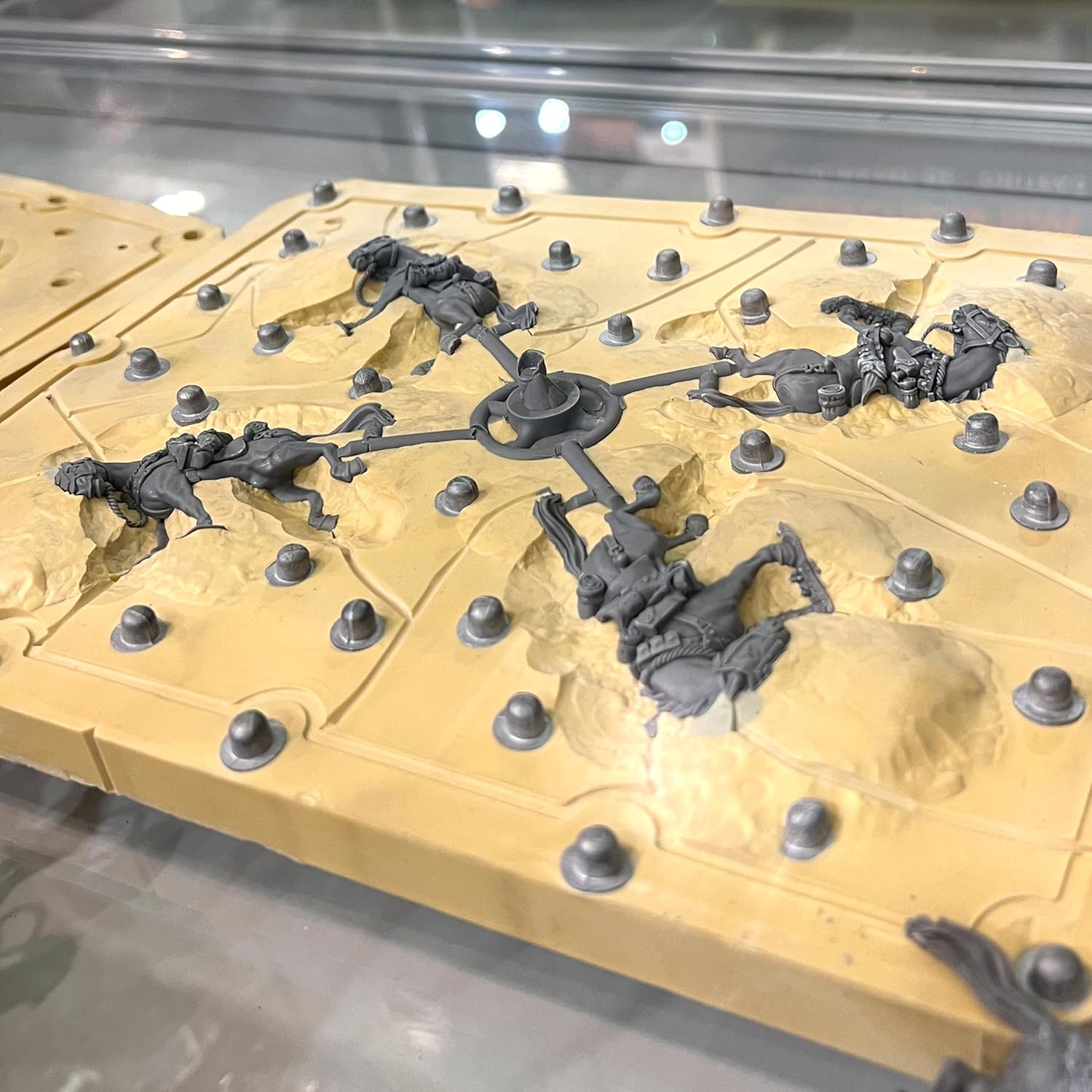
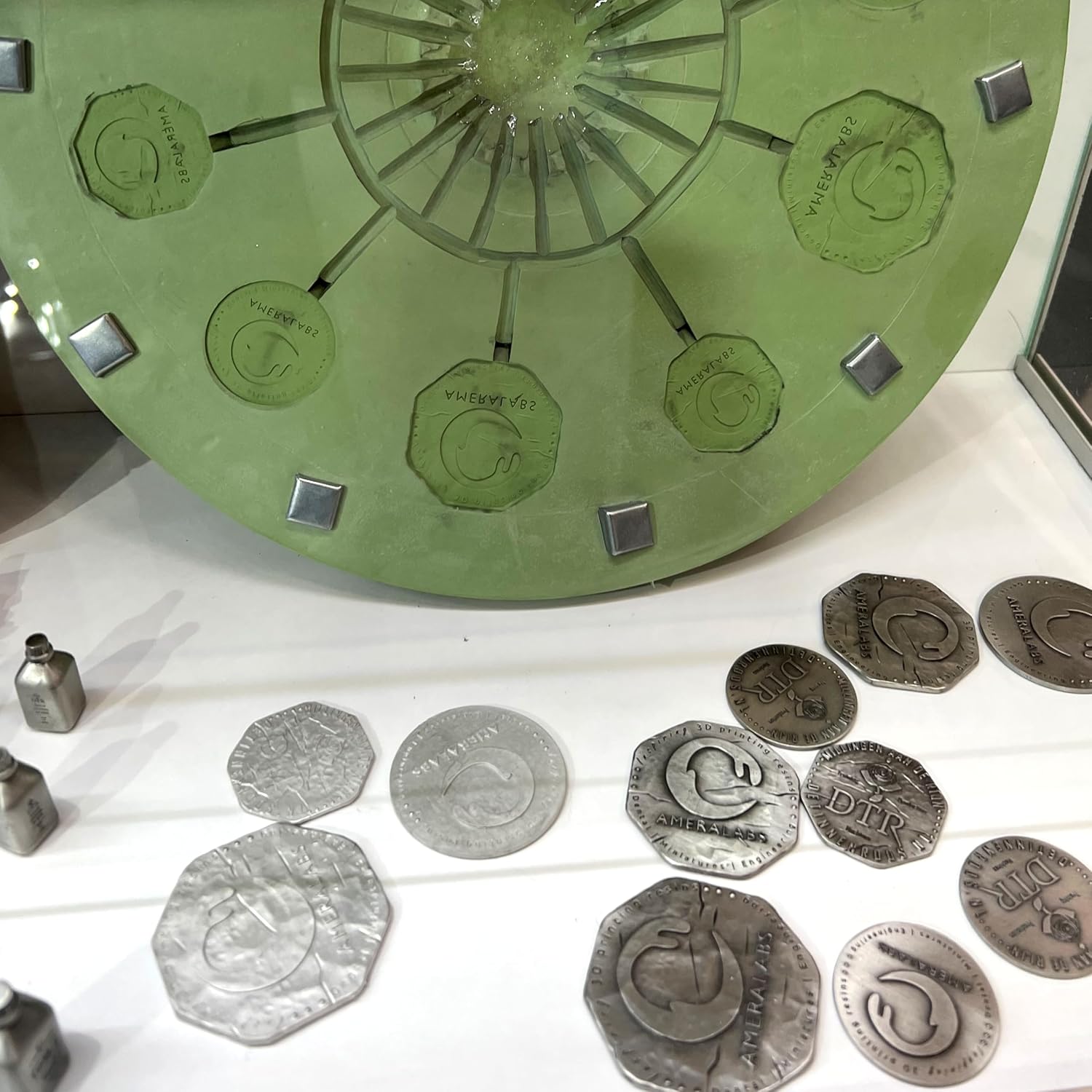
The SiOmaster resin makes it possible to 3D print master models that can handle high-temperature silicone rubber vulcanization up to 180°C without distortion or breakage. This durability allows companies to reuse their master models multiple times, creating consistent molds. Regarding processes like spin casting in metal or injection molding for plastic parts, 3D printing starts as a way to transform a digital model into a physical object. SiOmaster resin ensures an exact reproduction of all details of the model. Beyond its precise printing capabilities, this resin maintains a balanced level of flexibility, which is crucial during the silicone vulcanization process. Other 3D printing resins may crack under high pressure or deform at elevated temperatures, leading to flawed molds. SiOmaster strikes the right balance, offering enough flexibility to withstand pressure and ample temperature resistance to stay rigid at higher temperatures. This prevents delicate details from breaking during vulcanization, preserving the dimensional accuracy of the final parts.
- 3D printing liquid for the masters that can withstand several high-temperature silicone vulcanizations without breaking and are resistant up to 180°C
- Produces hard-surfaced and highly detailed models that do not bend under pressure during vulcanization
- SiOmaster 3D printing resin replicates digital designs with exceptional precision and faithfully captures every detail in printed objects
- Effortlessly removing supports, when used with many thin supports, leaves little support marks
- Low shrinkage ensures the accuracy of printed models, reduces adjustments, ensures precise production
AmeraLabs SiOmaster Grey resin was developed for professionals utilizing spin casting and SiOCAST injection molding machines. SiOmaster resin allows you to 3D print master models that can withstand a high-temperature silicone rubber vulcanization process up to 180°C multiple times without breaking or deforming. This enables companies to reuse their master models multiple times to produce several molds.
Benefits
- Withstands vulcanization up to 180° C
- Low shrinkage
- Excellent details
- Easy to remove supports and sand
- Dimensionally accurate
- Compatible with most LCD and DLP resin 3D printers
Printing Tips
- Level your build plate.
- If it’s your first print with this resin, print something small first.
- Find initial printing settings here: AmeraLabs resin settings.
- Use support column thickness of 1.5-2mm, support tip thickness of 0.2-0.6mm.
- Use attachment layer.
- Hollow your models.
- Use slower lift speeds. 5mm/min for bottom layers, 40-60mm/min for normal layers.
| Color | Grey |
|---|---|
| Brand Name | AmeraLabs |
| Unit Count | 1.0 Count |
| Item Weight | 1.25 Kilograms |
| Manufacturer | AmeraLabs |
| Material Type | Resin |
| Number of Items | 1 |
| Additional Features | High temperature resistance, High detail reproduction, Low shrinkage, Wide printer and silicon compatibility |
| Manufacturer Part Number | VRM-40-GRP-100 |
Additional information
| Technology | |
|---|---|
| Resin Type | |
| Resin Brand | |
| Μέγεθος | 1000g |
Related Products
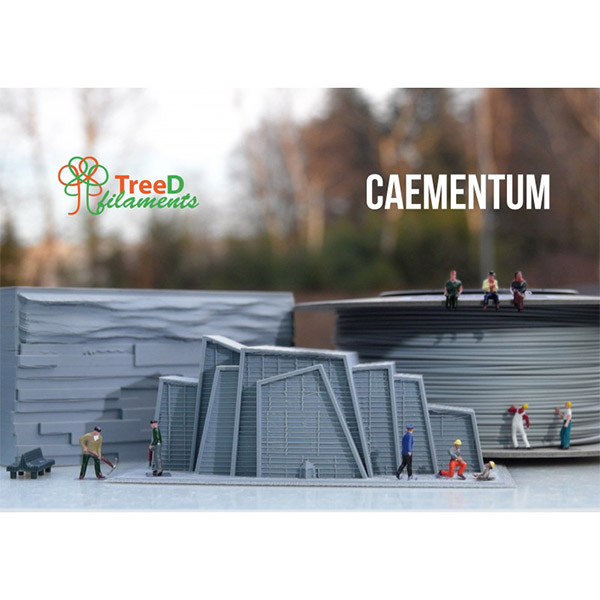
TreeD Caementum Architectural
7,90€ – 37,20€ ME ΦΠΑ
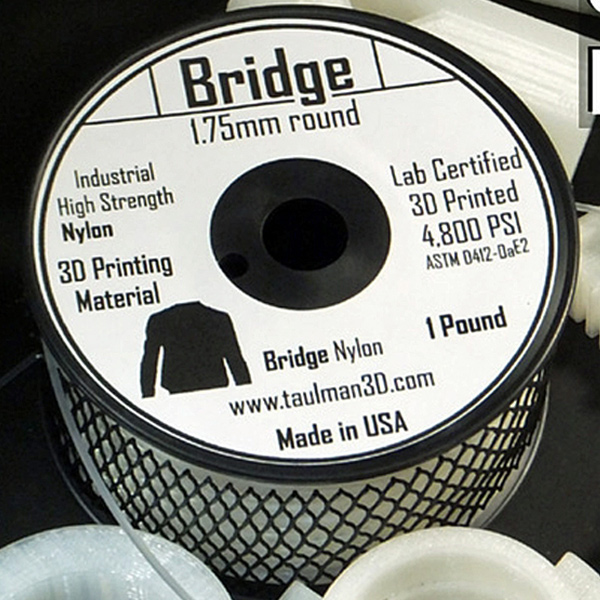
Taulman Bridge Nylon 1.75mm
25,90€ ME ΦΠΑ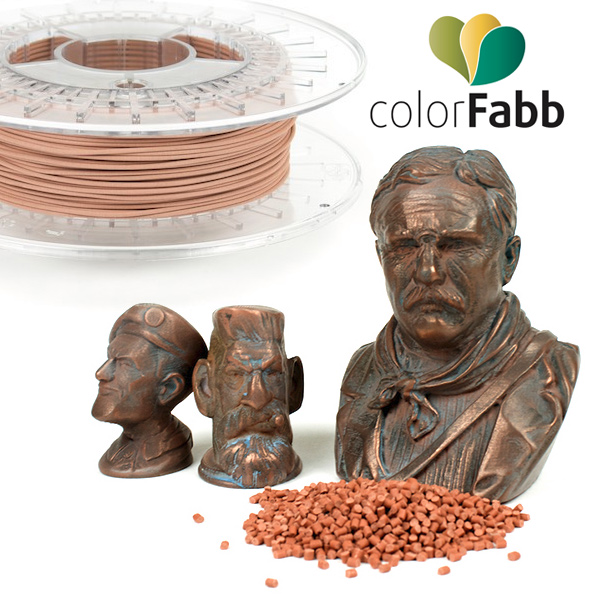
Colorfabb Copperfill 1.75mm
24,80€ – 59,90€ ME ΦΠΑ
bioFila Silk 1.75mm
9,90€ – 49,90€ ME ΦΠΑ
Formlabs Grey Resin F2/F3/F4
124,00€ – 173,60€ ME ΦΠΑ

Zortrax Z-GLASS 800gr
53,90€ ME ΦΠΑ
Aprinta PrintaFix Basic 3D Spray
14,90€ – 29,90€ ME ΦΠΑ
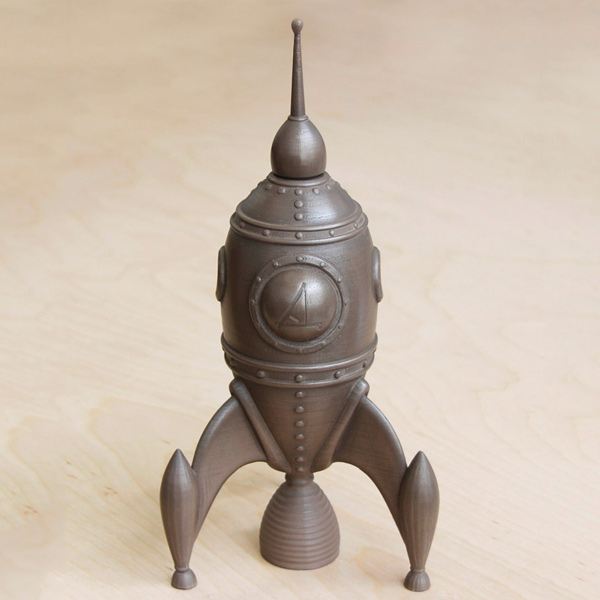
Colorfabb Bronzefill 1.75mm
24,90€ – 59,90€ ME ΦΠΑ
